

.webp)
.webp)
.webp)
.webp)
.webp)
.webp)
.webp)
.webp)
.webp)
.webp)
.webp)
.webp)
.webp)
.webp)
.webp)
.webp)
.webp)
.webp)
.webp)
.webp)

I studied architecture at the University of Tennessee, then worked at an interior design firm in Chicago where procurement was run through Excel schedules and email. I built Object & Order from that experience. I designed the product, the workflows and financial rules behind it, the full application, the identity, and objectandorder.com.
Product
Object & Order is software for interior design firms. It gives the firm one place to run a project from the first product specification through client approval, invoicing, purchasing, and delivery.
The application
Application design system ↗︎The complete application covers projects, schedules, orders, invoices, a reusable product library, and a private client view.
People, tasks, connected email, and a web clipper keep the rest of the firm’s work tied to the same projects and products.
Projects
Open a project and show its schedules, client, tasks, and purchasing activity.
Schedule
Build and edit a product schedule with cost, markup, quantities, and sections.
Orders
Move through quote, order, vendor, payment, and tracking details.
Invoices
Build an invoice from project work and show its payment state.
Product library
Save a reusable product and add it to a project schedule.
Client
Review and approve a schedule without exposing firm cost or markup.
Product capture
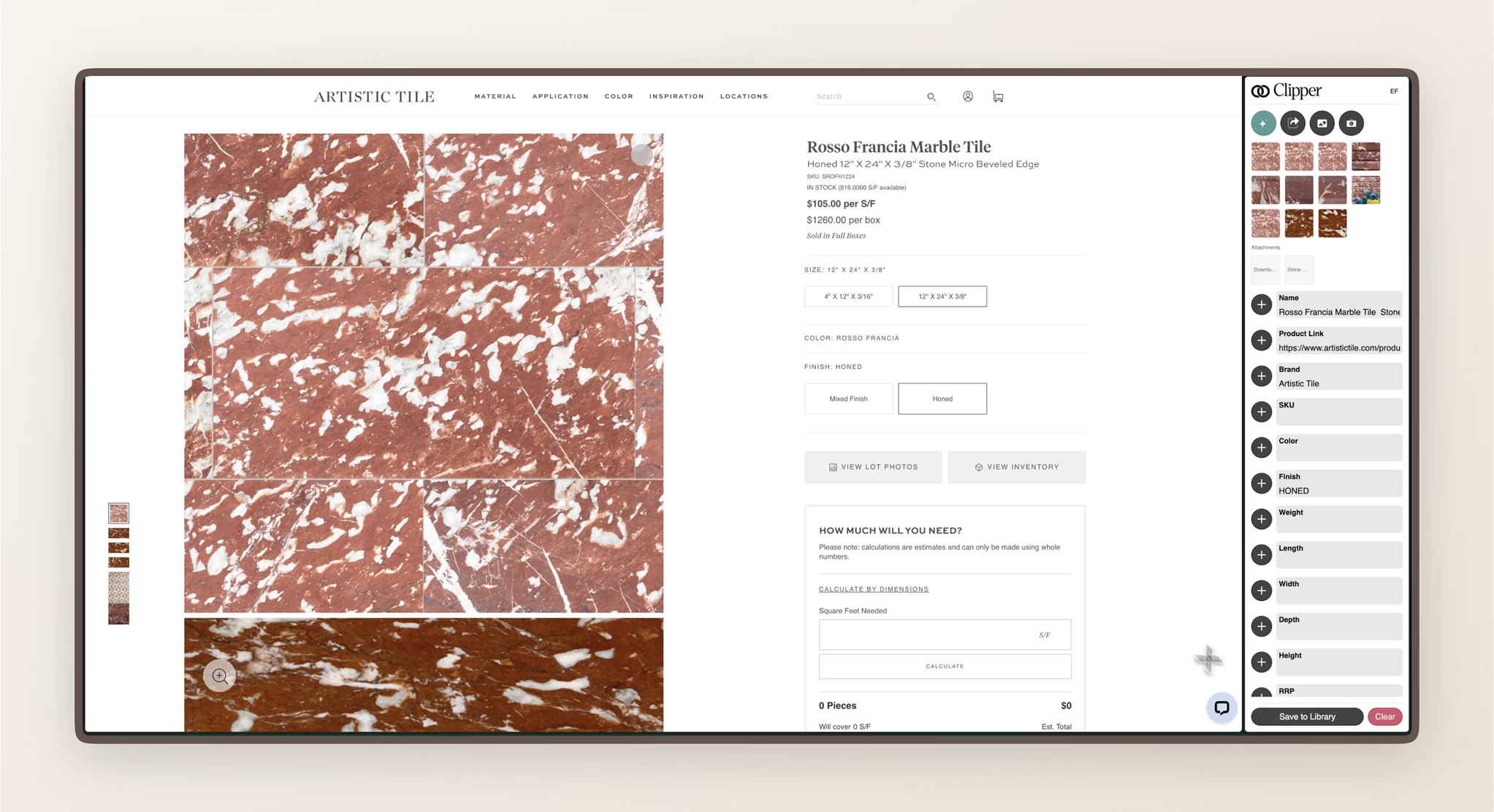
The Object & Order Web Clipper allows you to quickly and easily collect product photos, details, and spec sheets directly from any website.
Web clipper
Capture a vendor product and save it to the library or a schedule.
Brand
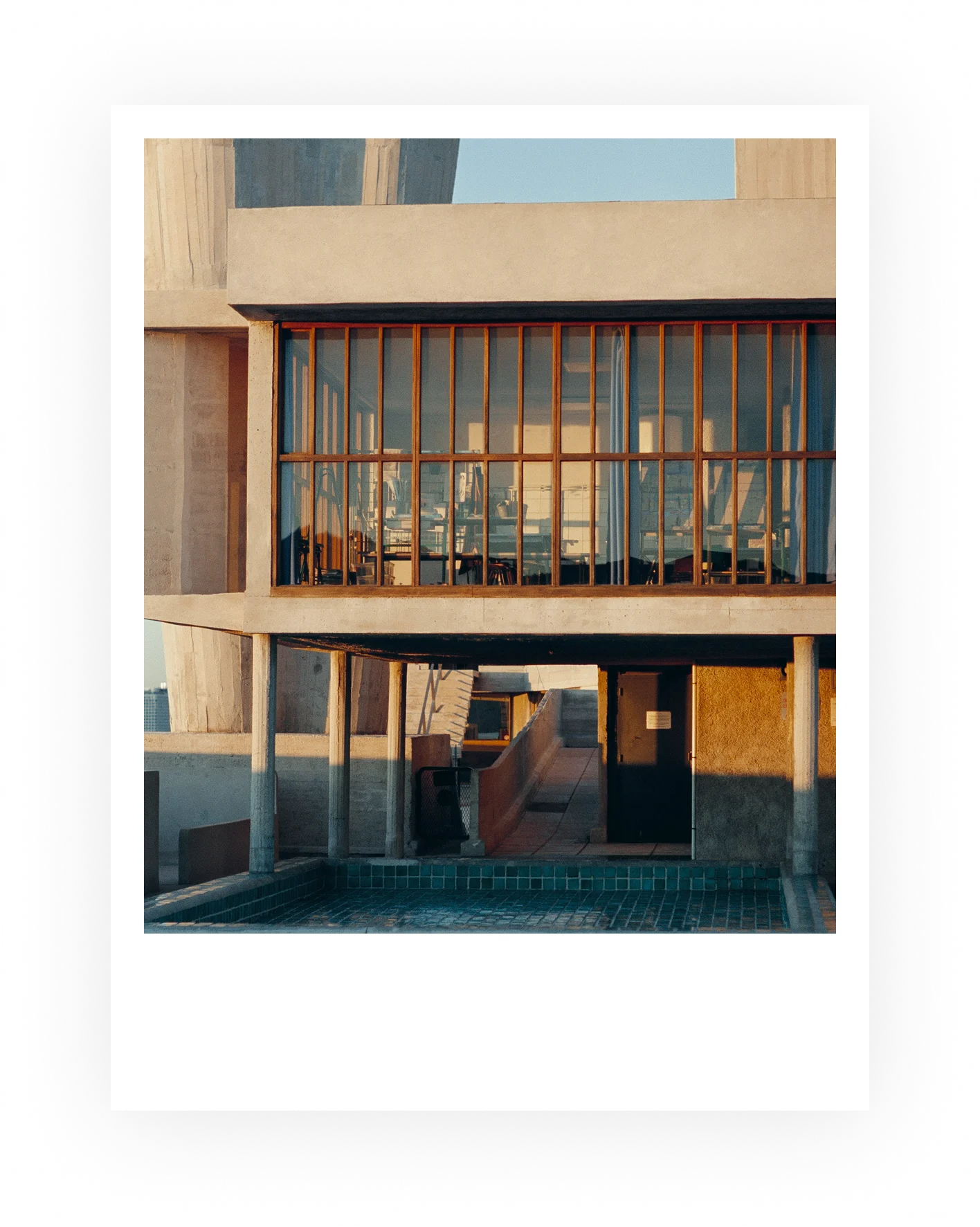
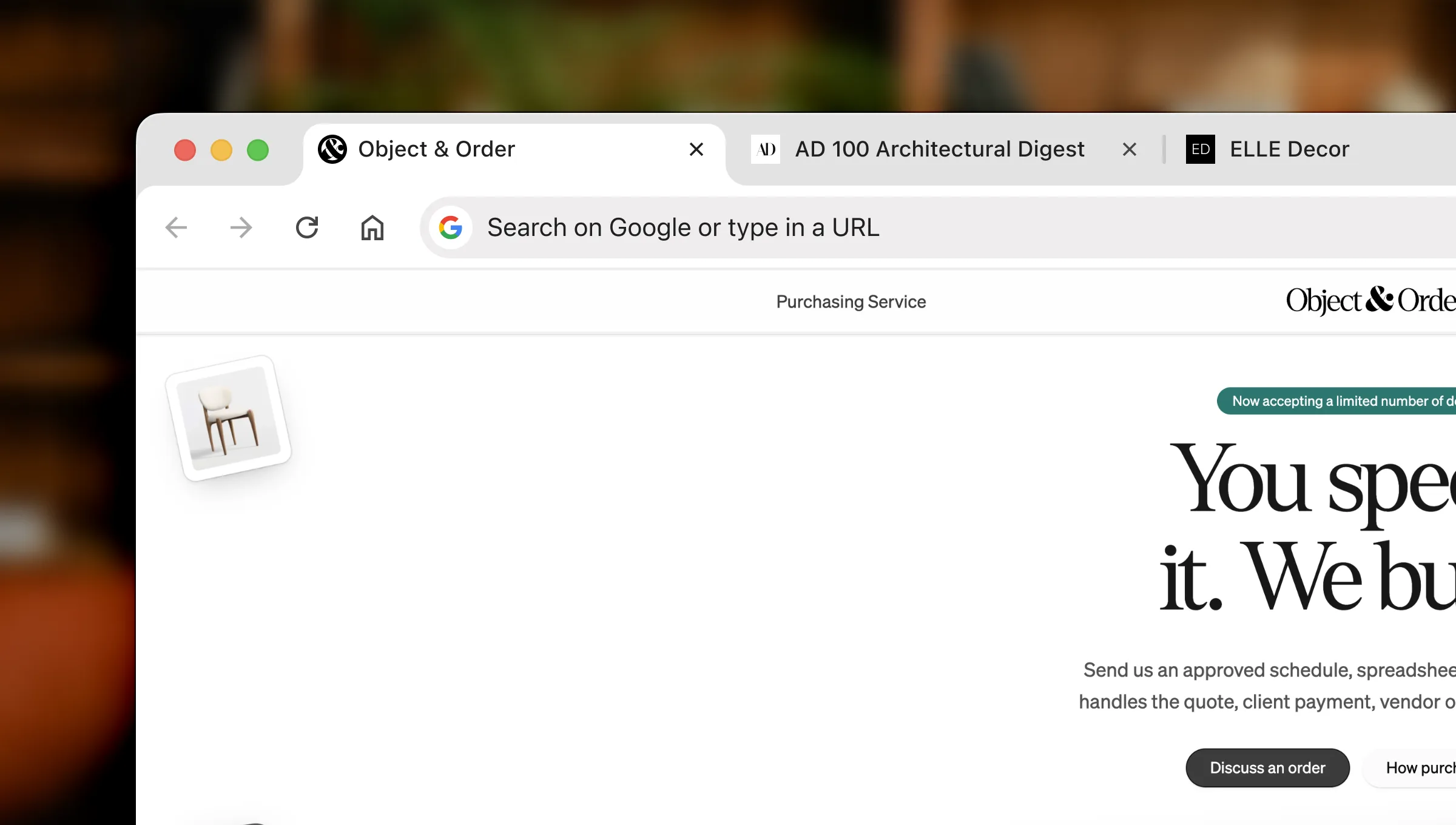
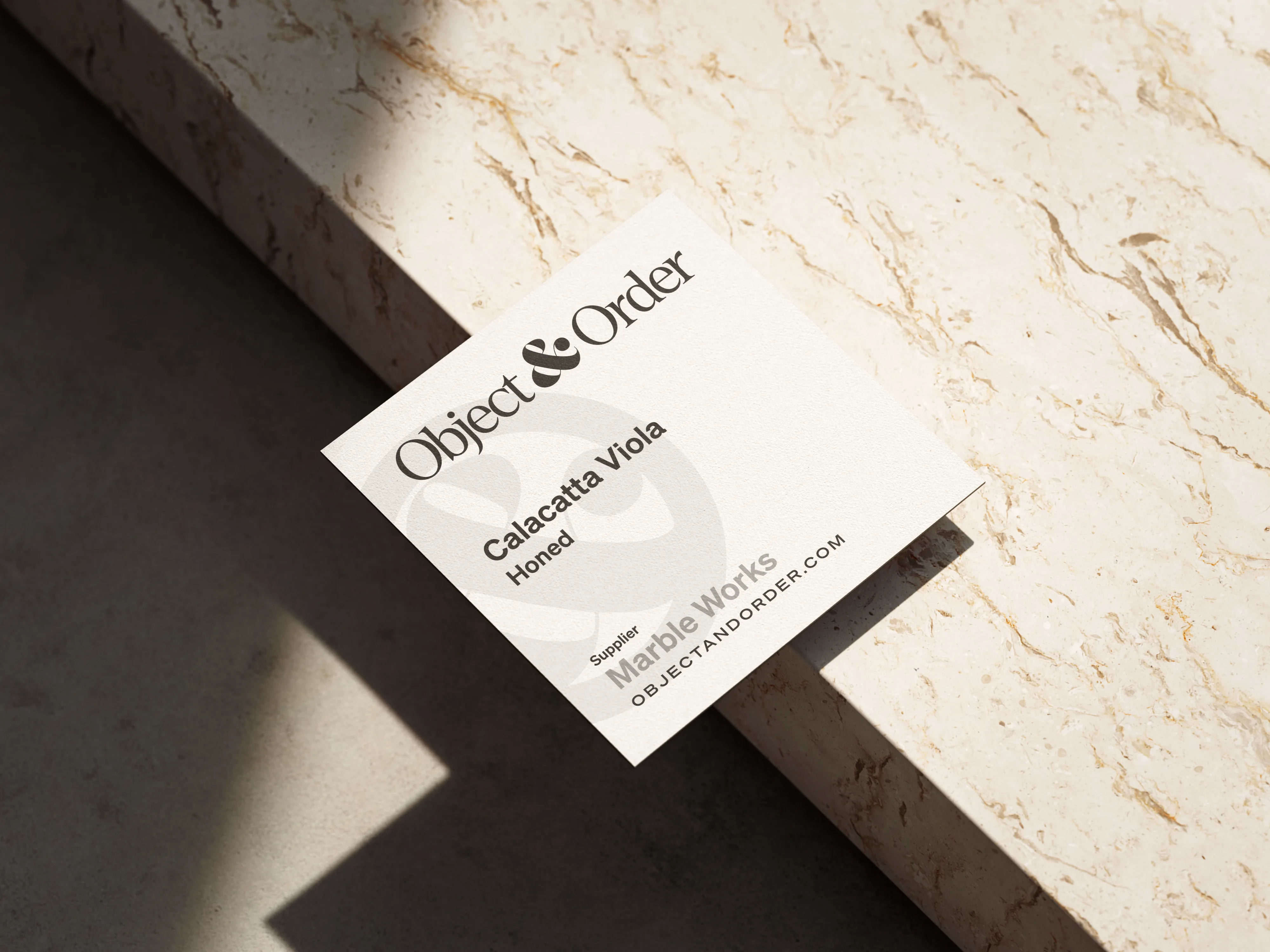
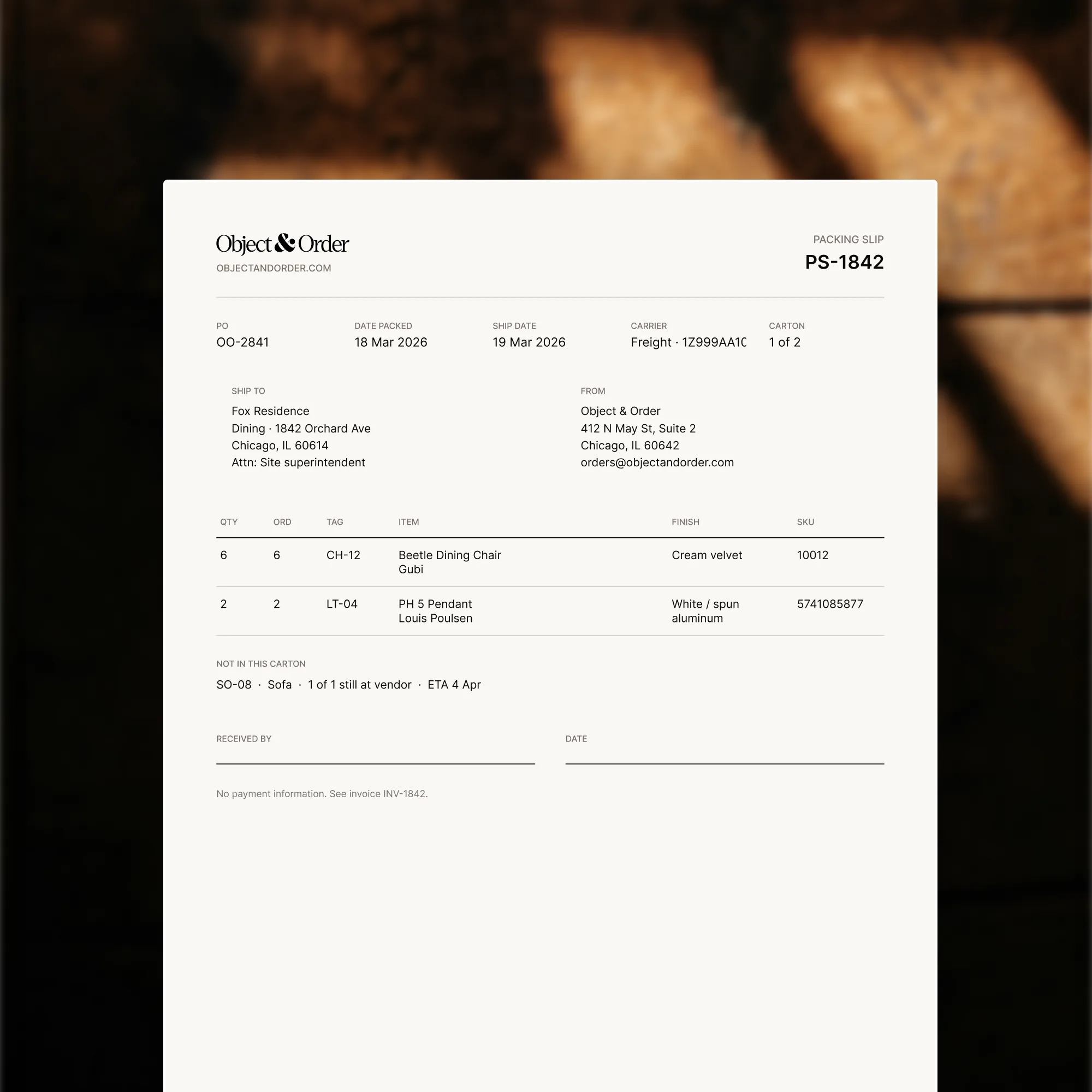
This is the identity for the product: the name, the mark, the type, and how it looks on a browser tab, a hang tag, a sample card, and a packing slip.











Website
I designed and developed objectandorder.com as the public front door for the product, using the same identity and explaining the application to interior design firms.
Business logic
When Object & Order handles the purchase, it requests the quote, collects the client’s payment, pays the vendor, and tracks fulfillment. This is an O&O-sourced order.
When the firm buys directly from the vendor, Object & Order records and tracks the purchase. This is a self-sourced order. It has no platform fee and ordering is not payment-gated.
O&O-sourced
Object & Order is merchant of record. Client pays O&O. O&O pays the vendor and the firm’s markup.
Self-sourced


Two purchasing paths. On O and O-sourced orders, the client pays Object and Order as merchant of record. Object and Order requests the quote, pays the vendor, tracks fulfillment, and pays the firm its markup. On self-sourced orders, the client pays the firm as merchant of record. The firm buys from the vendor. Object and Order records and tracks the purchase.
Payment unlocks the order. The firm places it.
The firm can require a fixed deposit or a percentage before ordering. If neither is set, payment in full is required. Object & Order totals payments across linked invoices.
Once the required amount is collected, the vendor order becomes available to place. Payment never places it automatically; the firm performs that action.
Engineering
Object & Order is a SvelteKit app on Supabase: auth, Postgres, realtime on the schedule, and private storage for purchase-order files. Stripe, AfterShip, and QuickBooks sit on top of that. Invoices, tracking, and books are the systems below.
Stripe and QuickBooks
Stripe handles connected accounts, client invoices, payment schedules, sales tax, and payment webhooks. Those webhooks recompute the amount collected and update the payment gates used by purchasing.
The QuickBooks integration includes account connection, webhook reconciliation, synchronization status, retry, backfill, and safe disconnect handling.
Firm-billed path
Connected account. One line. Gate unlocks Place order — it does not place it.


QuickBooks · sibling
Finalize upserts the invoice. Paid records a QBO payment. Neither opens the gate.
Offline pay
Firm-billed only. Writes collected directly; may also fire invoice.paid.
Place order
Gate unlocks. The firm still places the vendor order.
O&O-sourced / platform invoices are a different path and webhook. Not shown here.
Firm-billed payment path. Line items become a firm Stripe connected-account invoice. The client pays the hosted invoice or the firm records check or wire. The connect webhook updates paid amounts. Collected stamps deposit_met_at on the purchase order. The firm still places the vendor order. QuickBooks syncs on finalize and paid as a sibling; it does not open the gate. Platform account invoices are a separate path.
Purchase orders and tracking
The purchasing system generates versioned purchase-order PDFs, sends quote requests to vendor contacts, and validates every status change.
Tracking is registered with AfterShip before an order can move to shipped. Delivery is updated from tracking signals rather than inferred from an estimated lead time.
O&O-sourced path
Required sequence. Gates, not optional steps.
Deposit
approved → ordered requires deposit_met
AfterShip
ordered → shipped needs accepted tracking
Tracking signal
shipped → delivered from AfterShip
Self-sourced only: quote requested can move straight to ordered. Not shown on this O&O path.
O and O purchase order path is quote requested, quoted, approved, ordered, shipped, delivered. Approved to ordered requires deposit met. Ordered to shipped requires AfterShip-accepted tracking. Shipped to delivered comes from an AfterShip tracking signal. Cancel is allowed through ordered, not from shipped or delivered. Self-sourced orders may skip from quote requested to ordered; that skip is not drawn here.