
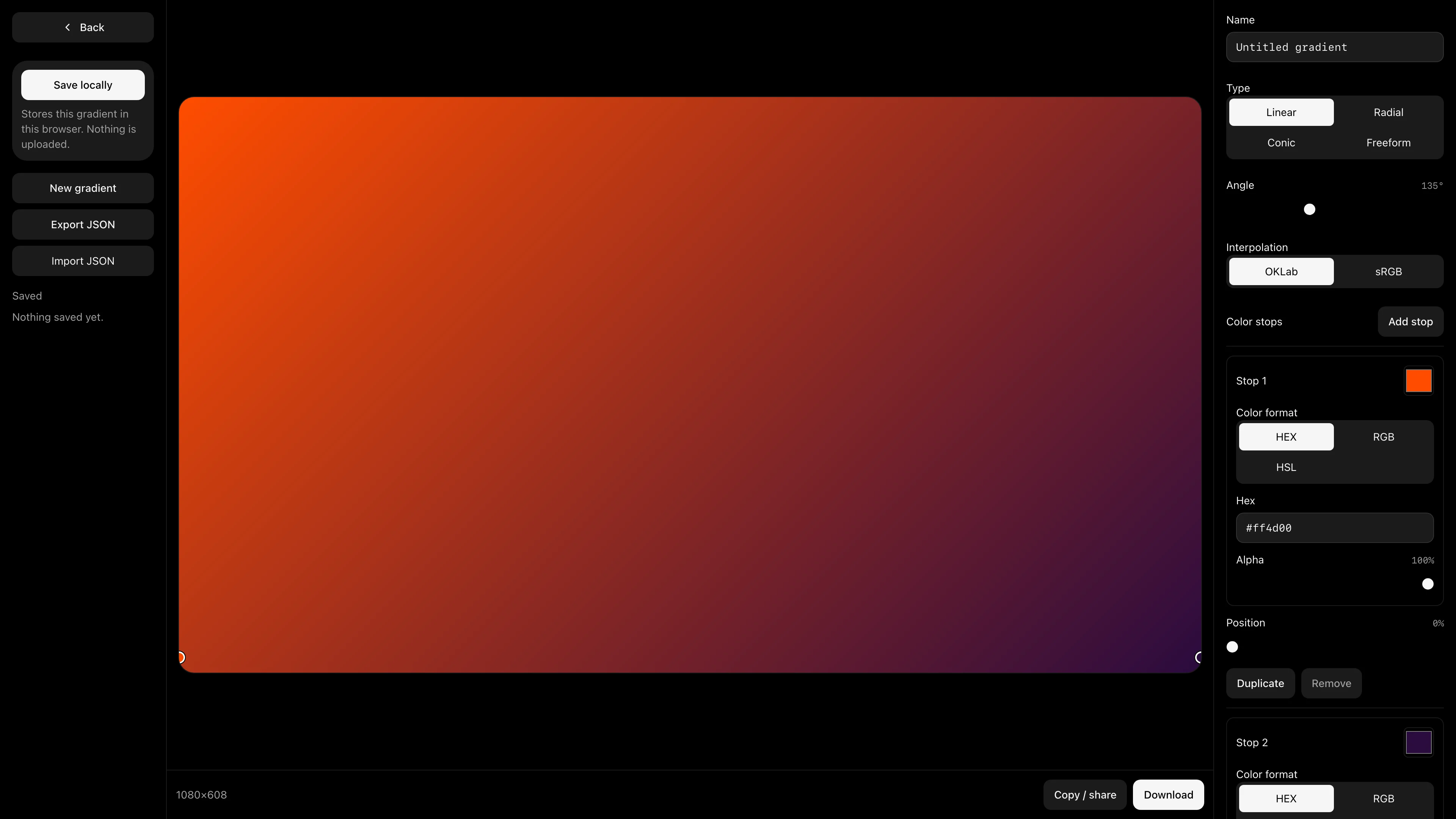
Gradient Studio
Build linear, radial, conic, and freeform gradients. Copy CSS or export SVG, PNG, and JSON.
Make gradients, process images, and pull color palettes. Everything runs in your browser.
Explore the code Build linear, radial, conic, and freeform gradients. Copy CSS or export SVG, PNG, and JSON.

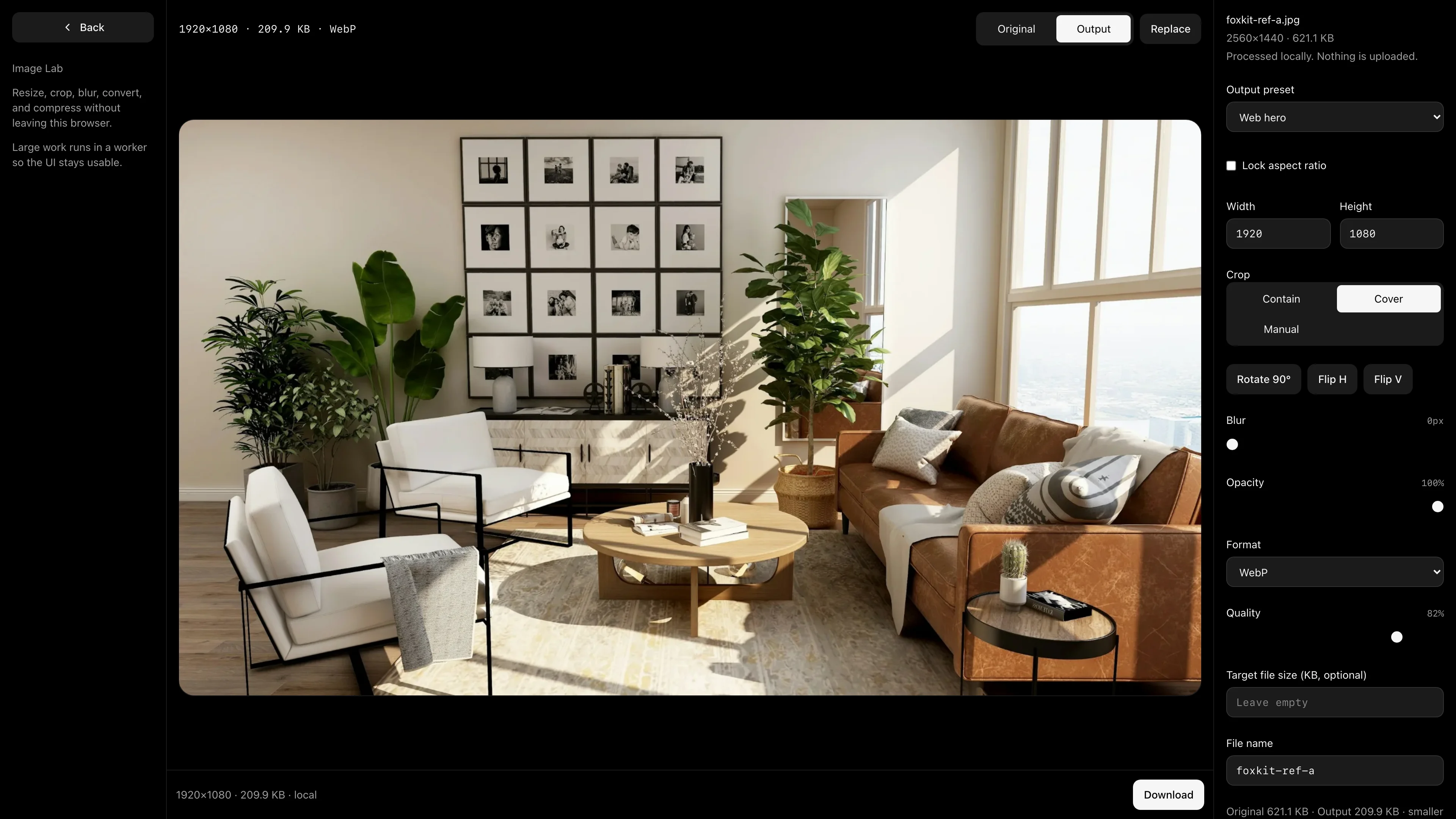
Resize, crop, blur, convert, and compress images without sending the file anywhere.

Pull colors from an image, adjust sampling points, and copy or export the result.

FoxKit has no accounts, uploads, API keys, or backend services. Your work stays on your device.
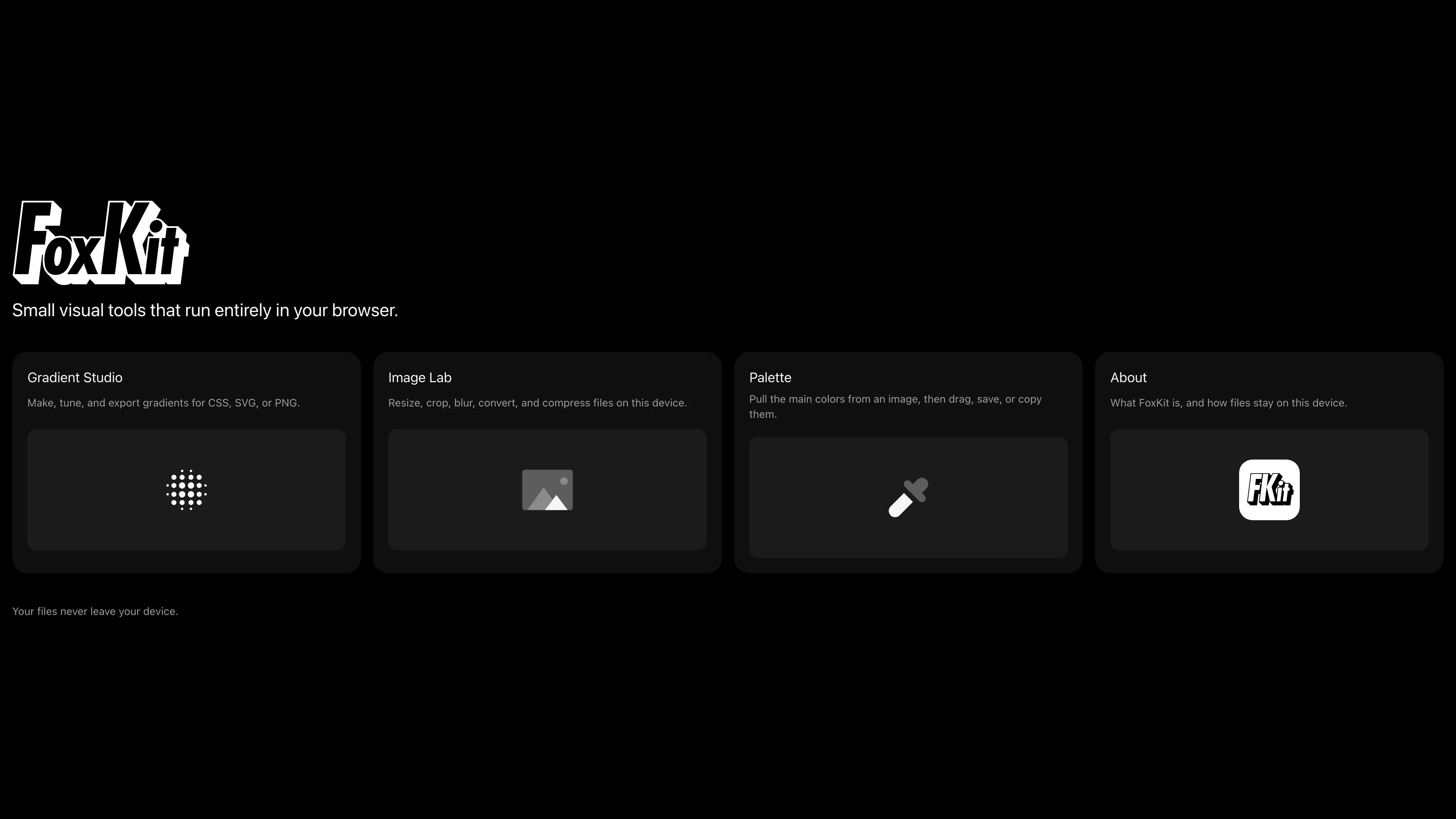
Files and saved work stay in the browser on your device.
Install FoxKit as a PWA and keep using it without a connection.
Browse the code, report an issue, or contribute on GitHub.
View FoxKit on GitHubNo. Image processing and saved work stay in your browser.
No. Open FoxKit and start using the tools.
Yes. FoxKit is an installable PWA and works offline after your first visit.